Everything a product team needs to run itself
One portal, built around how startups actually work: short reports, a clear plan, Jira where the tickets are, and a safe place for the things that must not leak.
Reports and sign-off
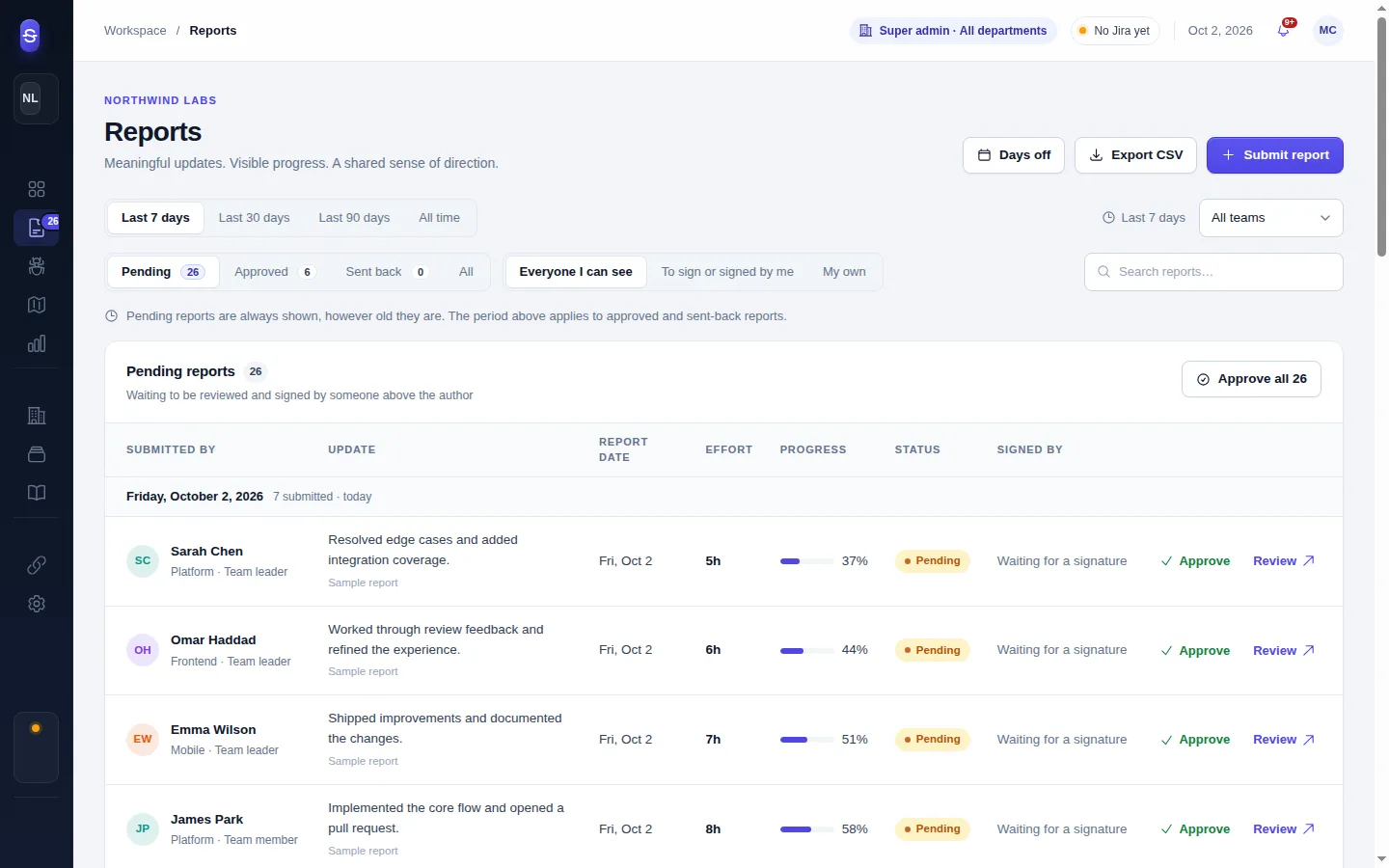
Each team has a form you design. People file it daily or weekly from their phone in a minute. The chain above them signs it, or sends it back with a note.
- Field types: long and short text, hours, progress %, number, date, date and time (with a from/to pair that counts as logged effort), dropdown, multiple choice, Jira epic picker, Jira stories picker, portal issues picker
- Reports pending, approved or returned; comments with unread markers; an audit trail
- Missed reports computed from each person's working days, hours, days off and public holidays
- CSV export of any period
Roadmap
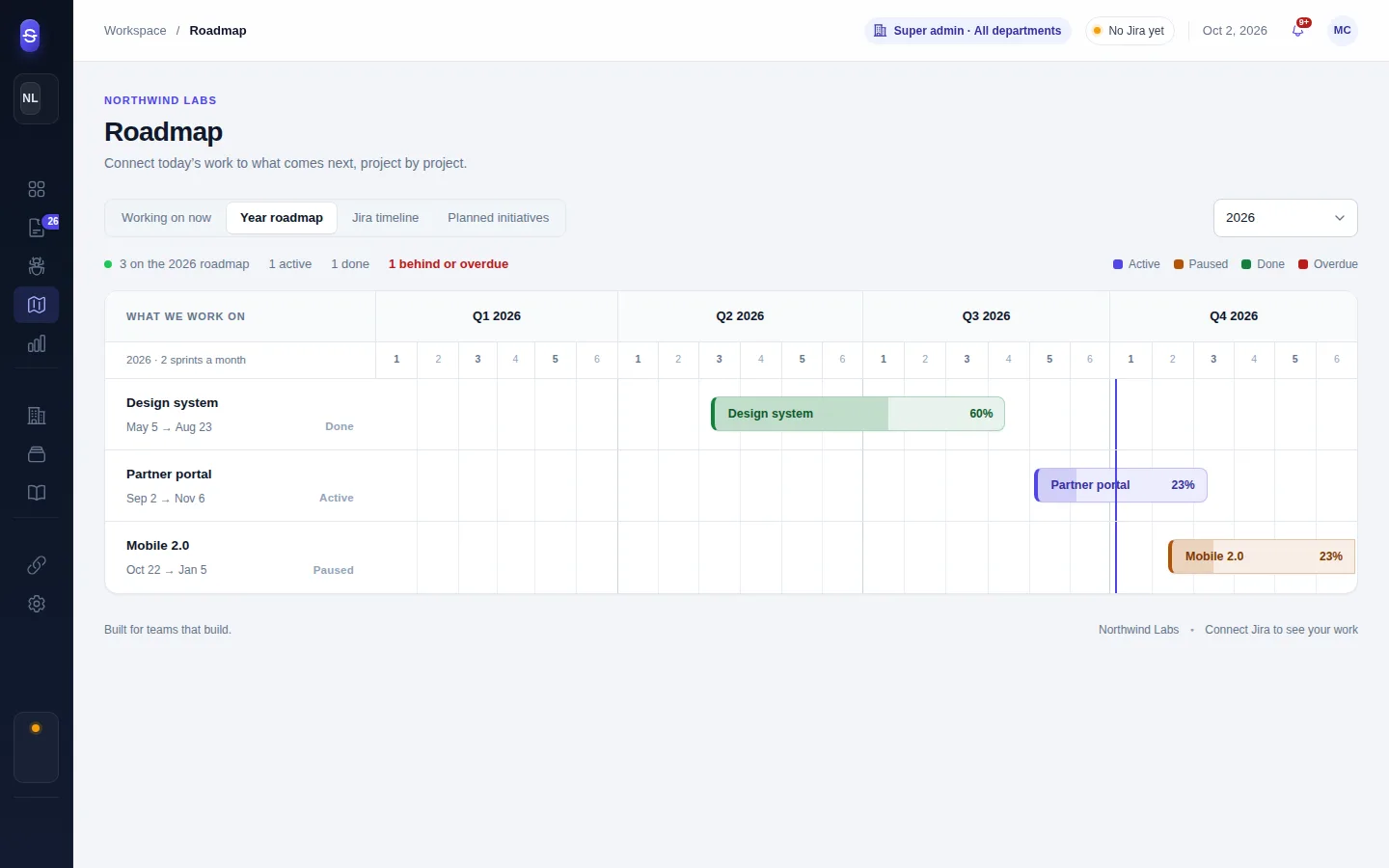
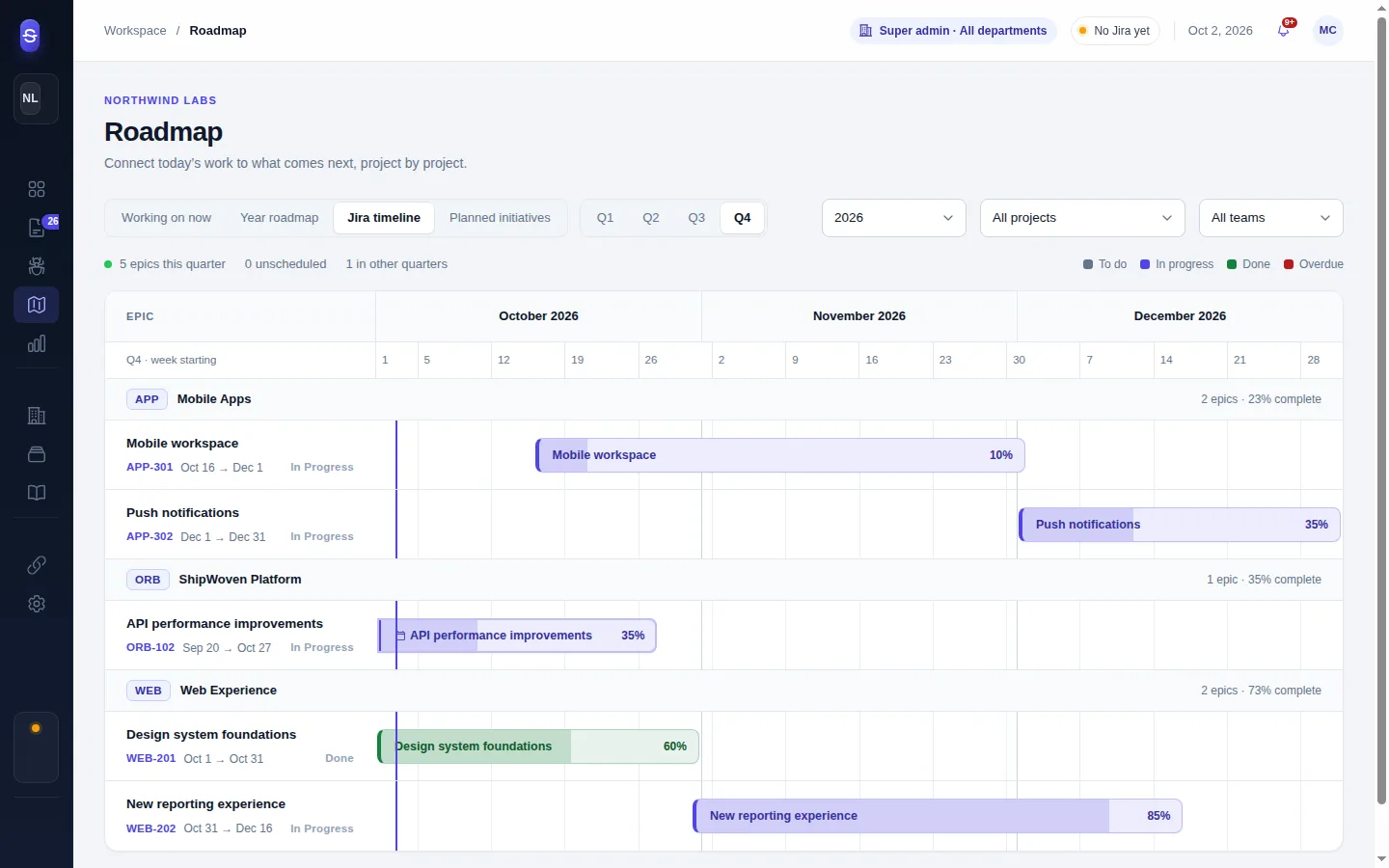
Four views of the same work. Working on now names the features the company is on, their epics and who is on them, with each person's tickets first. The year roadmap draws one bar per feature across the quarters and sprints. The Jira timeline places every epic of the quarter by its dates. Planned initiatives is a sprint grid for what comes next.
- Start and expected end per feature, with a verdict: not started, on track, ahead, behind, overdue, done
- Plan an epic from the portal by dates or by the board's sprints, shown before Jira's own dates and never written to Jira
- Progress follows a policy that gives each Jira status a share of done
Jira Cloud, two-way
Connect with an API token, choose the projects, and the portal keeps epics, stories, sub-tasks and sprints in sync, fully every few hours and incrementally in between.
- Change a ticket's status or comment from the portal; the change is queued, retried while Jira is slow, and shows the reason when Jira refuses
- Comments post under each person's own Jira account; when they have none, under the admin's with a visible note
- Jira people linked to portal people; invitations from the Jira directory
- Project access per department, team or person
Issue flow
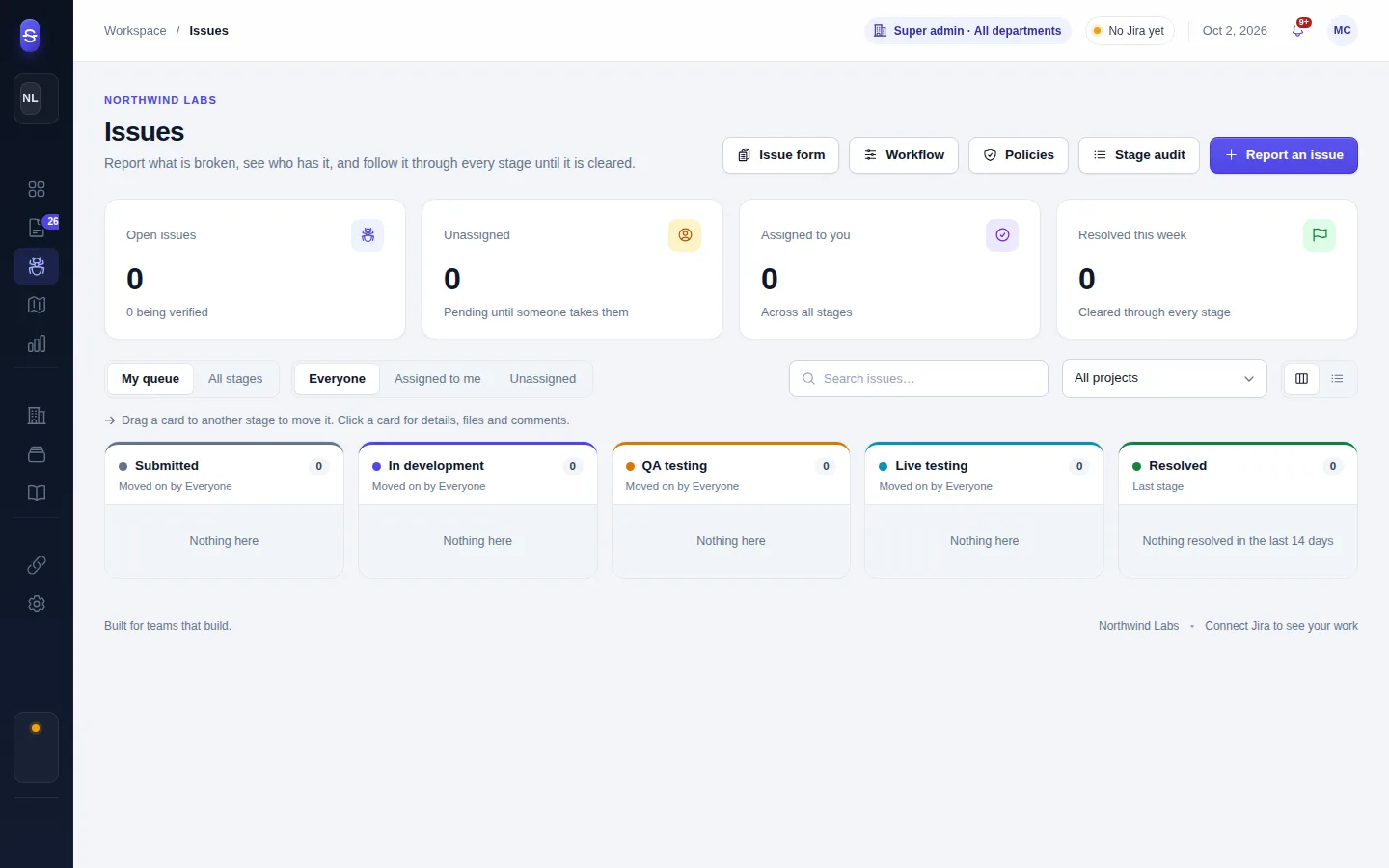
A form for reporting bugs and requests, and a workflow of stages with who may move an issue into each. A board for the day, a list for the month, and a stage audit that shows how long each issue sat where.
- Policies: one stage at a time, a reason to send an issue back, an owner before development
- Attachments and comments, Jira push with links to the epics the issue concerns
- Issues named in reports show who worked on them and when
Points and performance
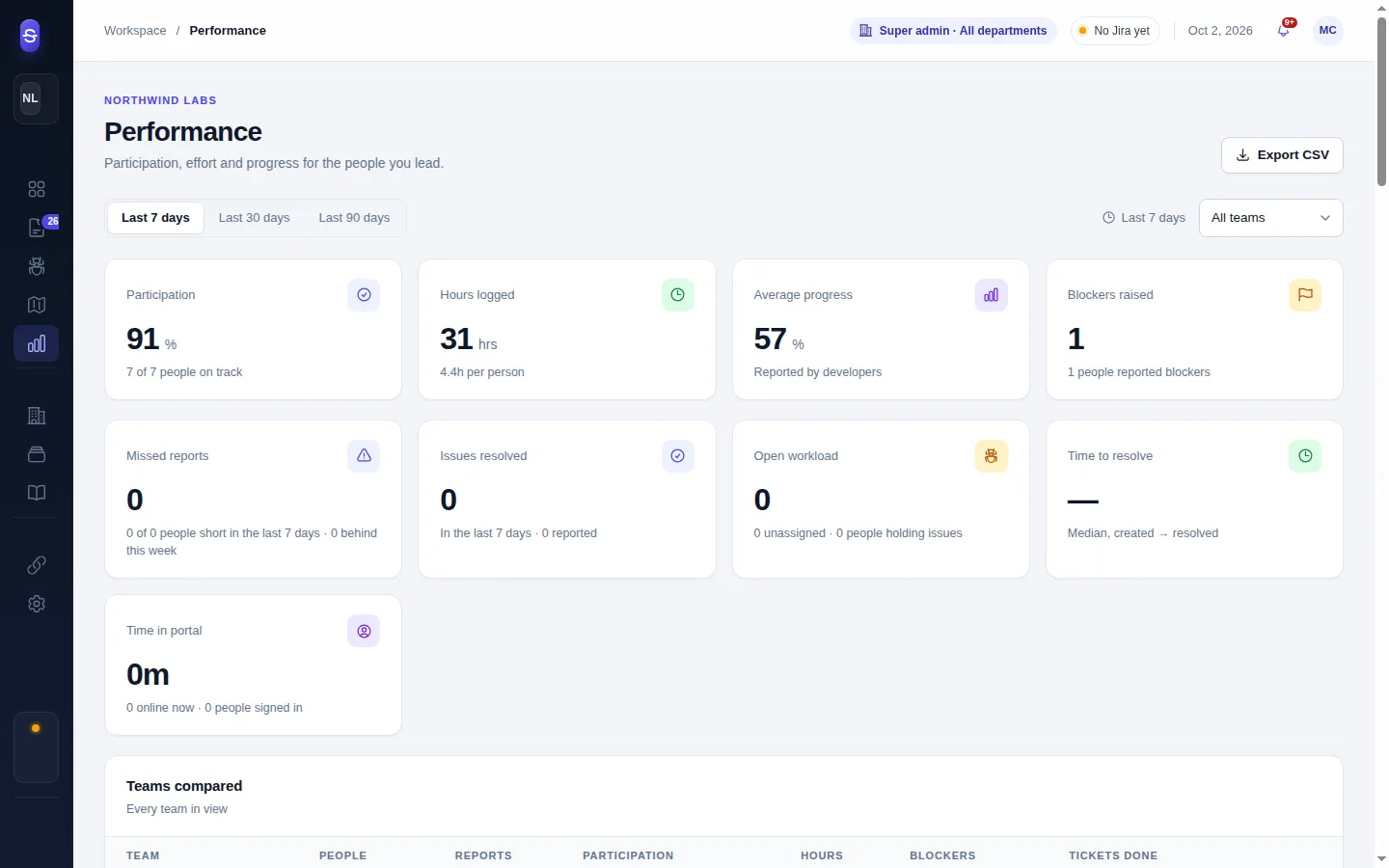
Performance shows hours, reports and tickets per person and team. The points system adds a score by a policy you write per department: per report signed, per missed week, per hour against the schedule, per issue reported, fixed, tested or accepted, per Jira ticket done.
- Shadow mode: visible to super admins until you show it to the teams
- A guide generated from the rules, with a worked example from each reader's own schedule
- Leaderboard, employee of the month per team, department and company, and a ledger that explains every point
Organisation and access
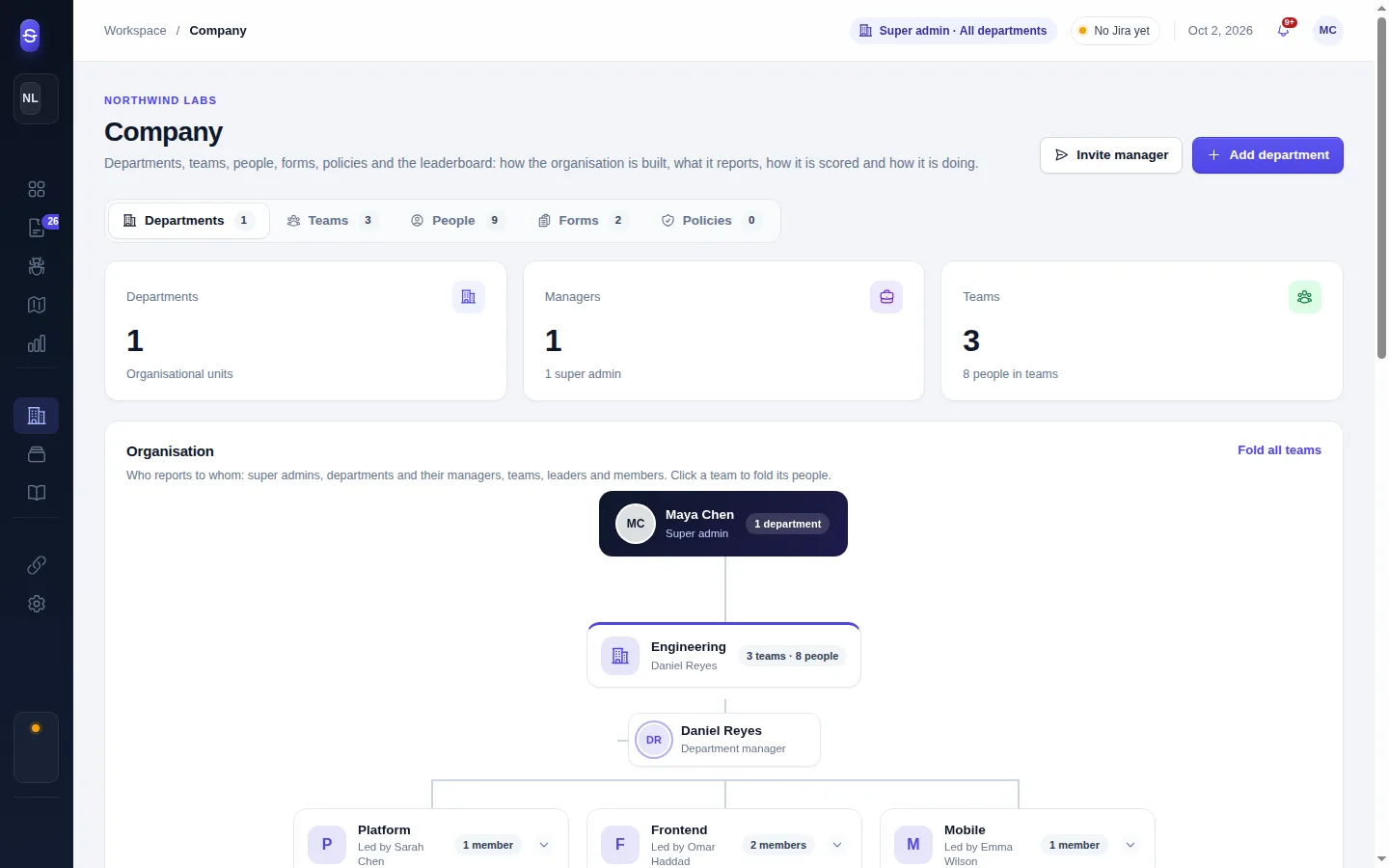
Departments with managers, teams with leaders, people with one of four roles. Projects, report forms and resources are given to a department and reach everyone in it; a team or a person can differ.
- Organisation chart, people directory with document badges, invitations
- Days off requests and approval, public holidays per country, work schedules
- Sign-in activity and sessions visible to leaders and above
Resources: documentation, domains, vault, finance, legal
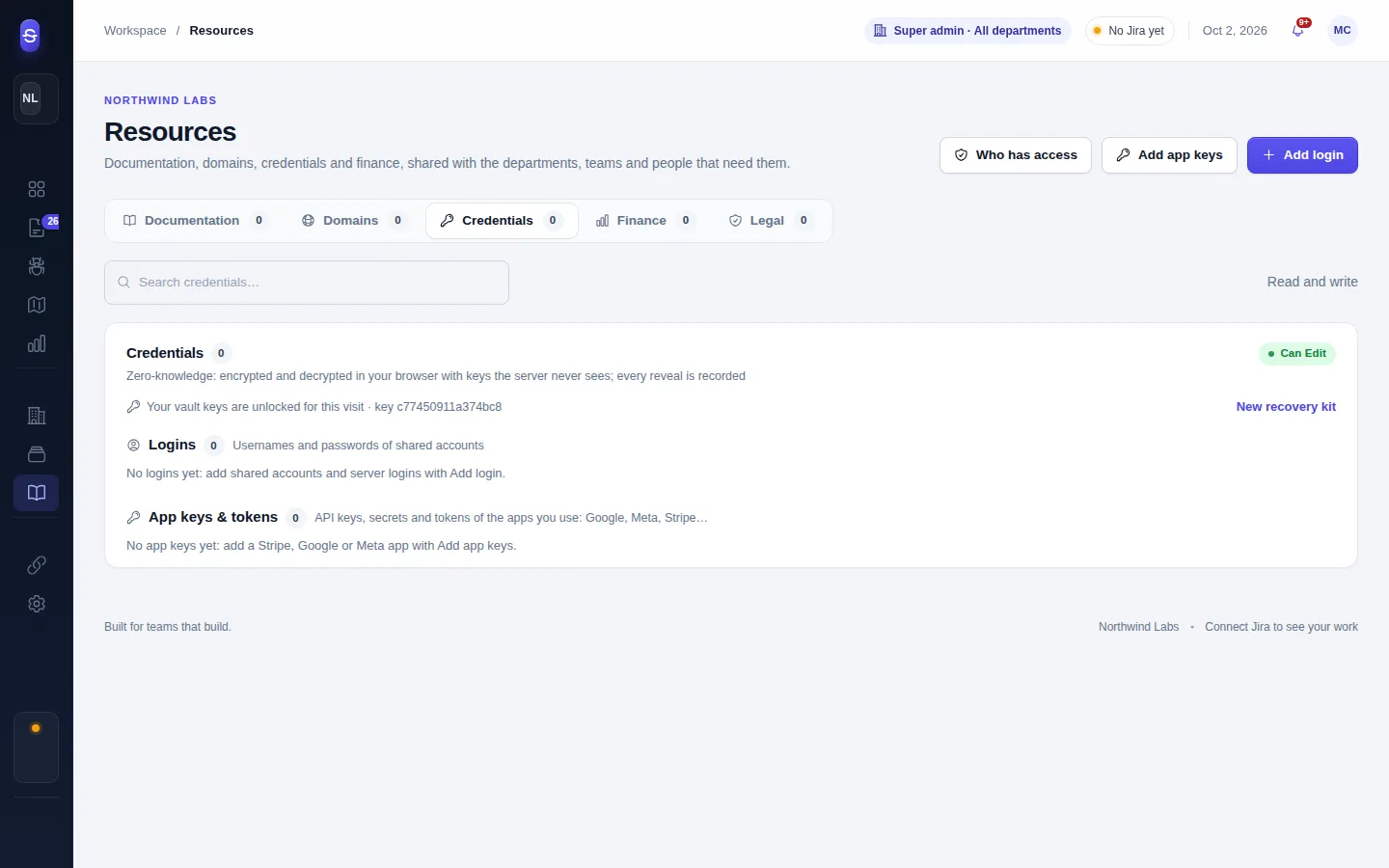
Five sections with access per department, team or person. Three of them are zero-knowledge: credentials, finance and legal are encrypted in the browser and the server only ever stores ciphertext.
- Credentials: shared logins and app keys, revealed with a record of who looked, rotated when someone leaves
- Finance: payments month by month with receipts, who paid and what it was for, verification by a super admin, bulk edit, import from a spreadsheet, CSV export
- Legal: NDAs, contracts, employment contracts, passports and ID cards with the other party's details, dates and expiry flags, encrypted notes, and badges on the People page
- Documentation and domains: links and notes per project, domains with subdomains, registrar, hosting and renewal dates
The four levels
The whole company
Founders and operations leads.
- Every department, team and person
- Forms, policies, workflows, integrations
- Signs reports when nobody above the author can
- Verifies payments, holds the recovery keys
One department
Head of engineering, head of product.
- All teams and people in the department
- Signs their leaders' reports
- Plans epics and sets what the department is on
- Resources the department was given
One team
Tech leads, squad leads.
- Their team's reports and performance
- Signs their members' reports
- Moves their members' Jira tickets
- Everything their members have
Themselves
Engineers, designers, QA.
- Their own reports and tickets
- What the company works on now, with their tickets first
- Shared docs and credentials they were given
- Their score, once the team is shown it